Prepare your JPEG brackets
Choose one property
Keep the JPEG exposures for each view together. Sign in to see the photo tools available in your HDRit account.
Confirmed in HDRit Drop photos anywhere
How HDRit works
Explore the balance between bright rooms, clear windows and natural colour. Bring your brackets to the tools available in your HDRit account.
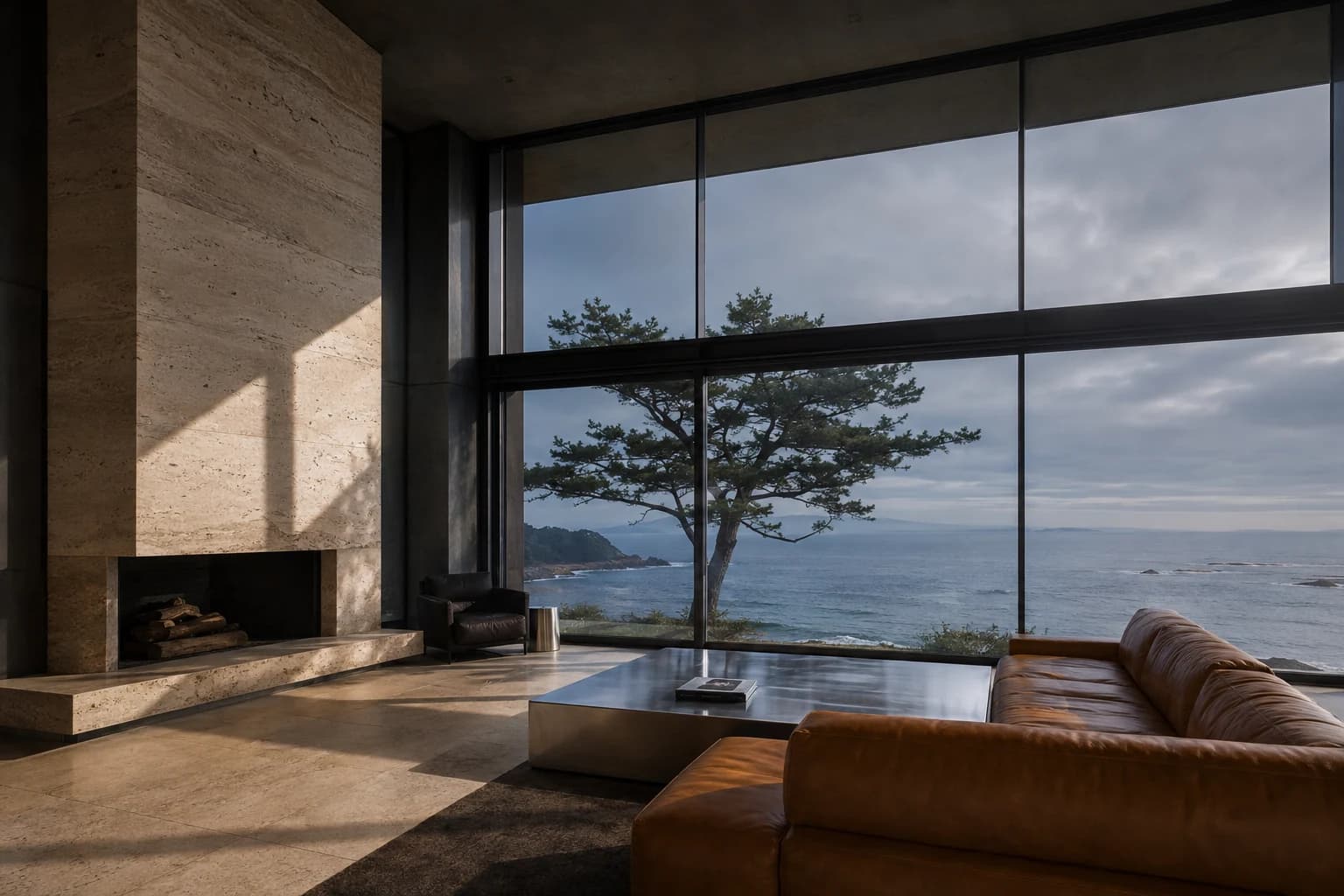
01 / Exposure study
An architectural contact sheet for window geometry, room balance, and the exterior read. The matched exposure sample below is separate and illustrative.
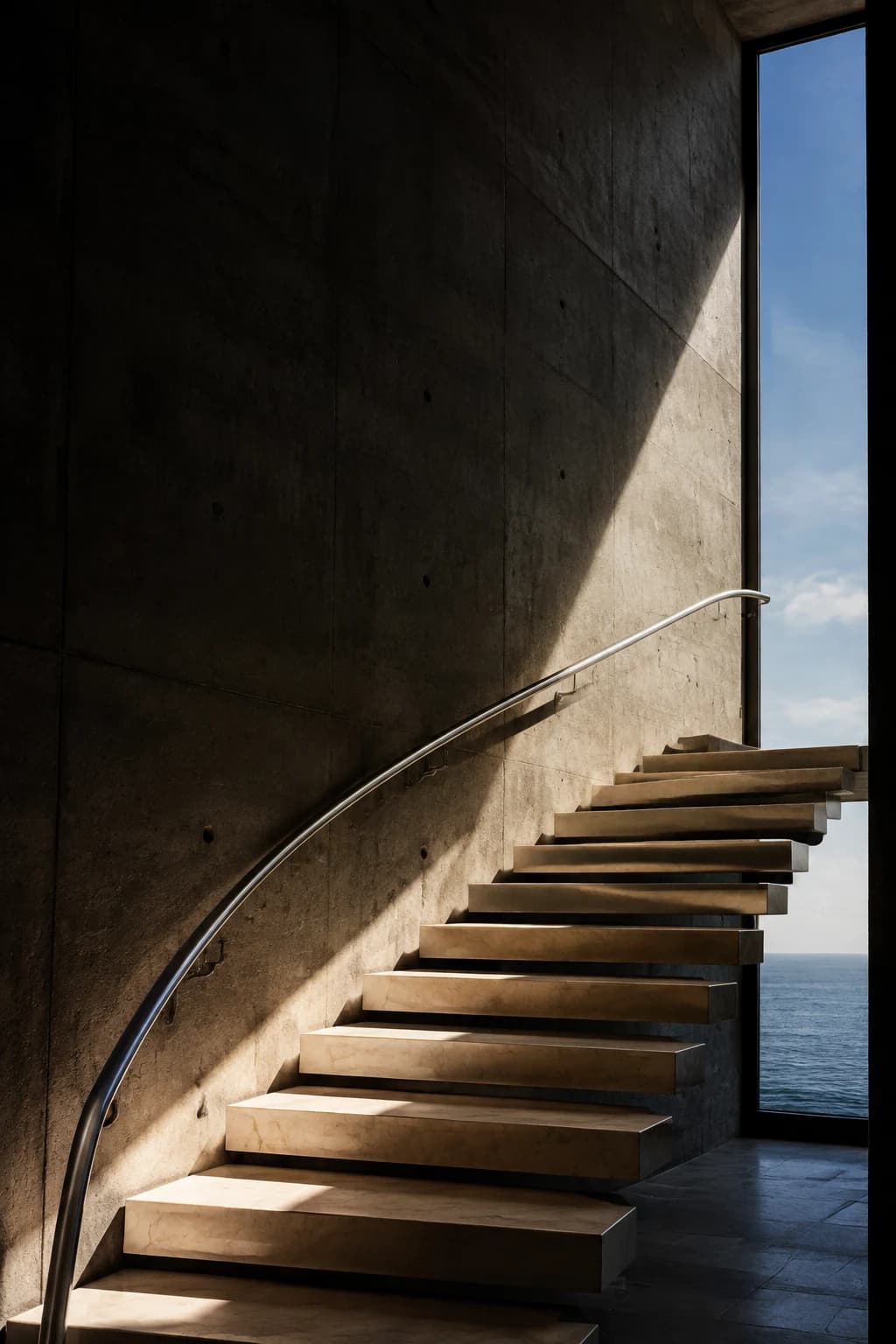
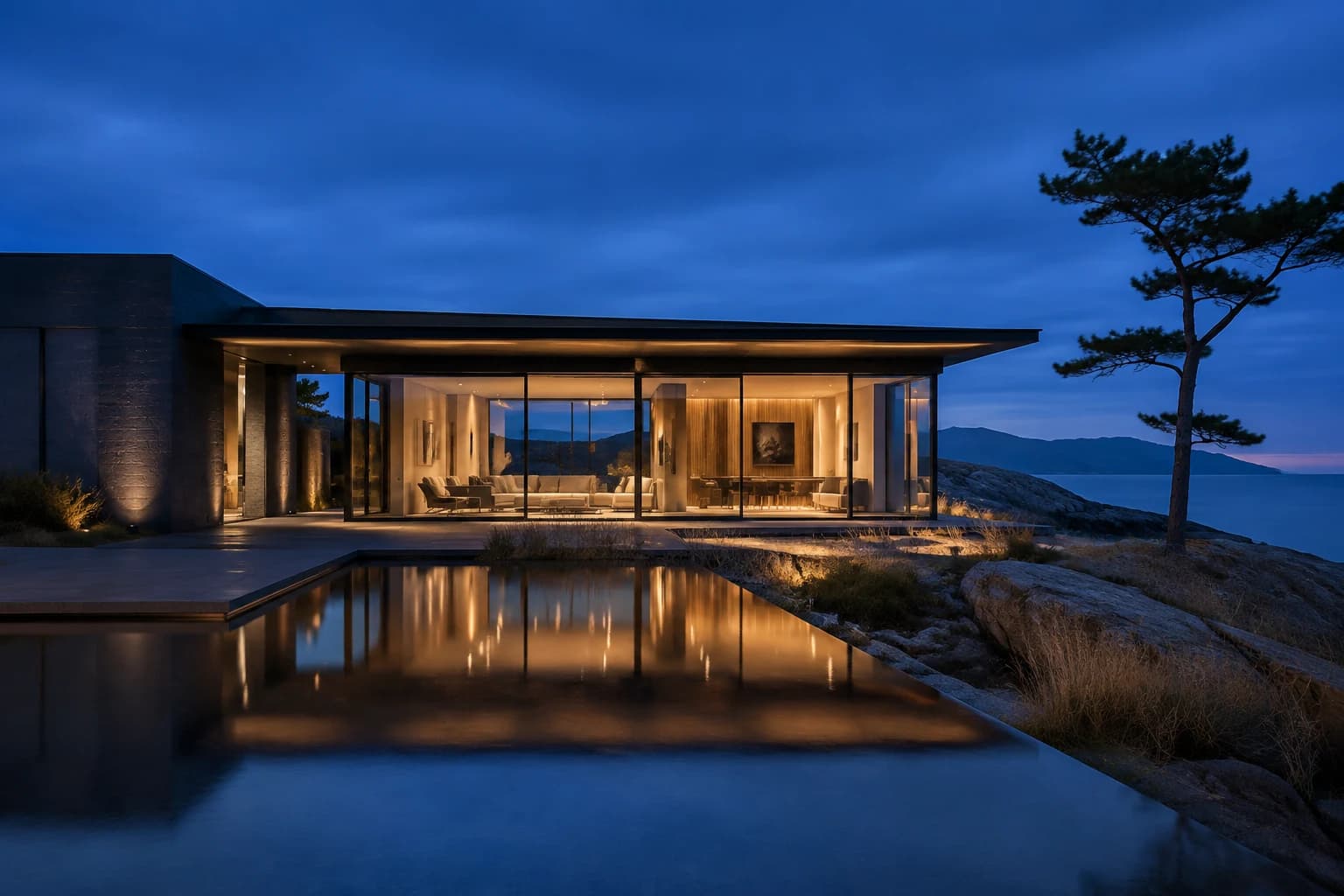
Inspect the sequence
Matched illustrative samples, ready to explore.
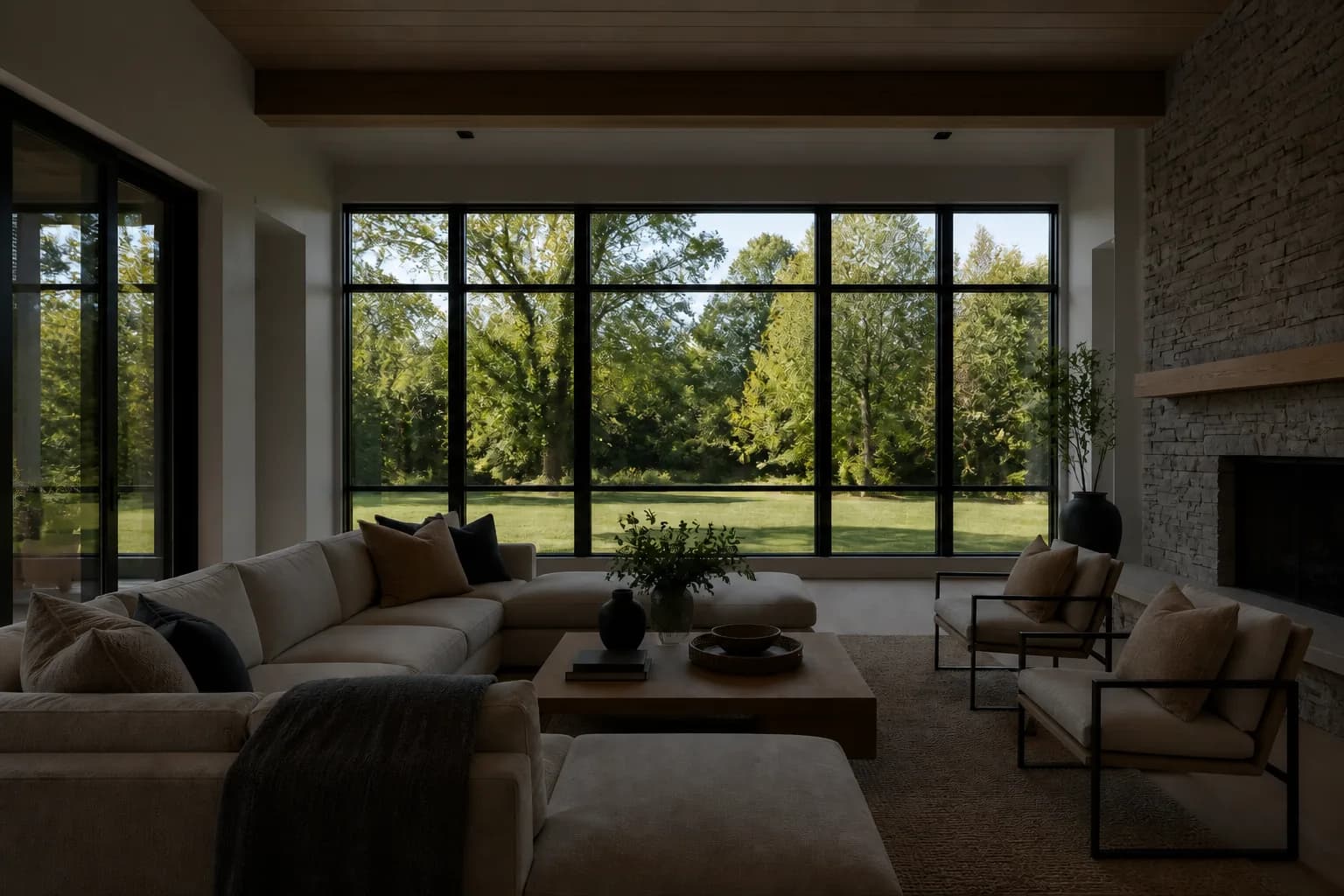
Play the workflow

Ready to reveal the balanced result.
Illustrative synthetic exposure sequence. Public HDR editing is not available yet.
02 / The brief
HDRit is being built around the details photographers already watch for: natural rooms, clear windows, and a listing that holds together from the first frame to the last.
Public HDR editing is not available yet. The account and delivery paths open only when each connection is ready.
Keep one property together, balance the useful light, then review the listing in your HDRit account.

Prepare your JPEG brackets
Keep the JPEG exposures for each view together. Sign in to see the photo tools available in your HDRit account.
Confirmed in HDRitNatural HDR and clear windows
HDRit is being built to balance rooms and keep window views clear. Public HDR editing is not available yet.
Not ready yet
Your HDRit account
The HDRit app handles sign-in and keeps each studio’s listings separate. This public website does not.
Confirmed in HDRitIllustrative synthetic exposure sequence.
The boundary
This website does not retain or process your photos. When you’re signed in, it can hand selected JPEGs directly to the HDRit app and only checks the basic session state needed for that transfer.
The app handles sign-in, studio access, photo storage, and account security.
HDR editing is not open to everyone yet. Buying credits and sending files stay off until each connection is ready.
Your account
This secure link opens the HDRit app. If the app is not ready, you will see a clear status page.